





01Set up the offer before you go live
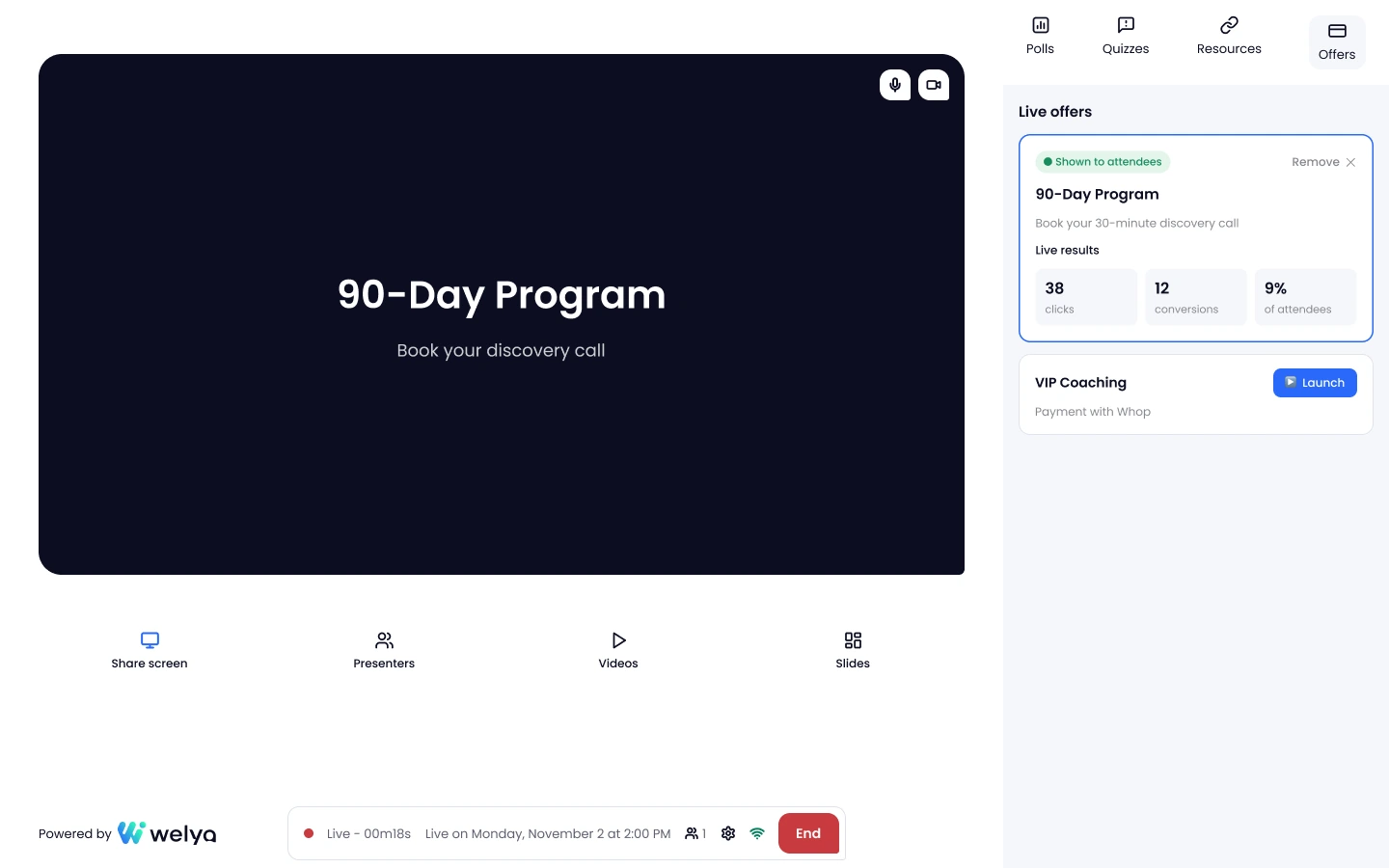
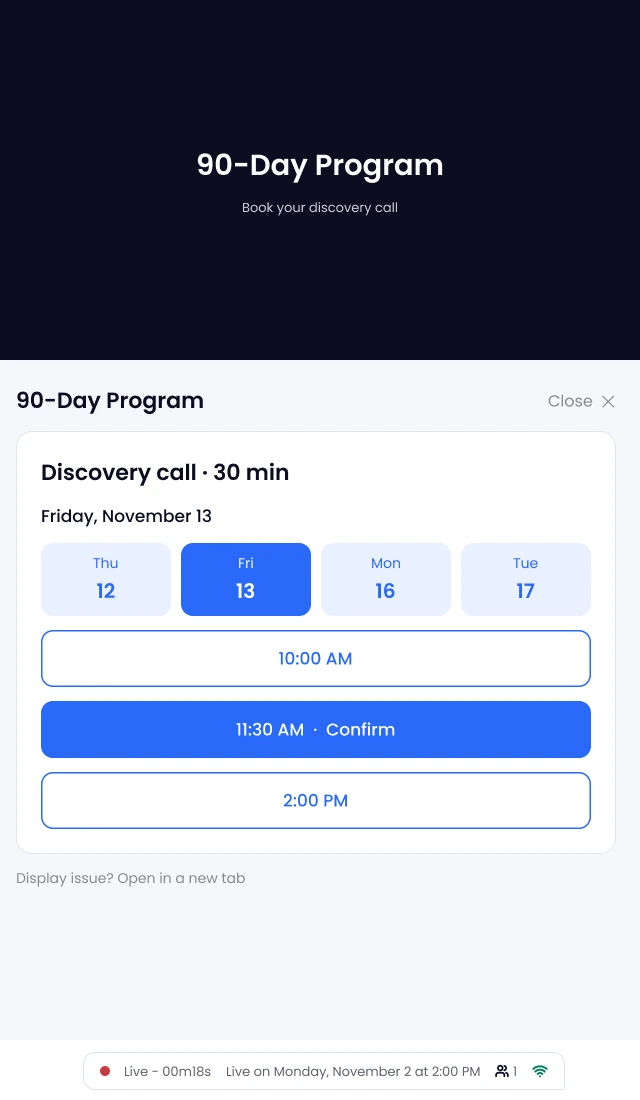
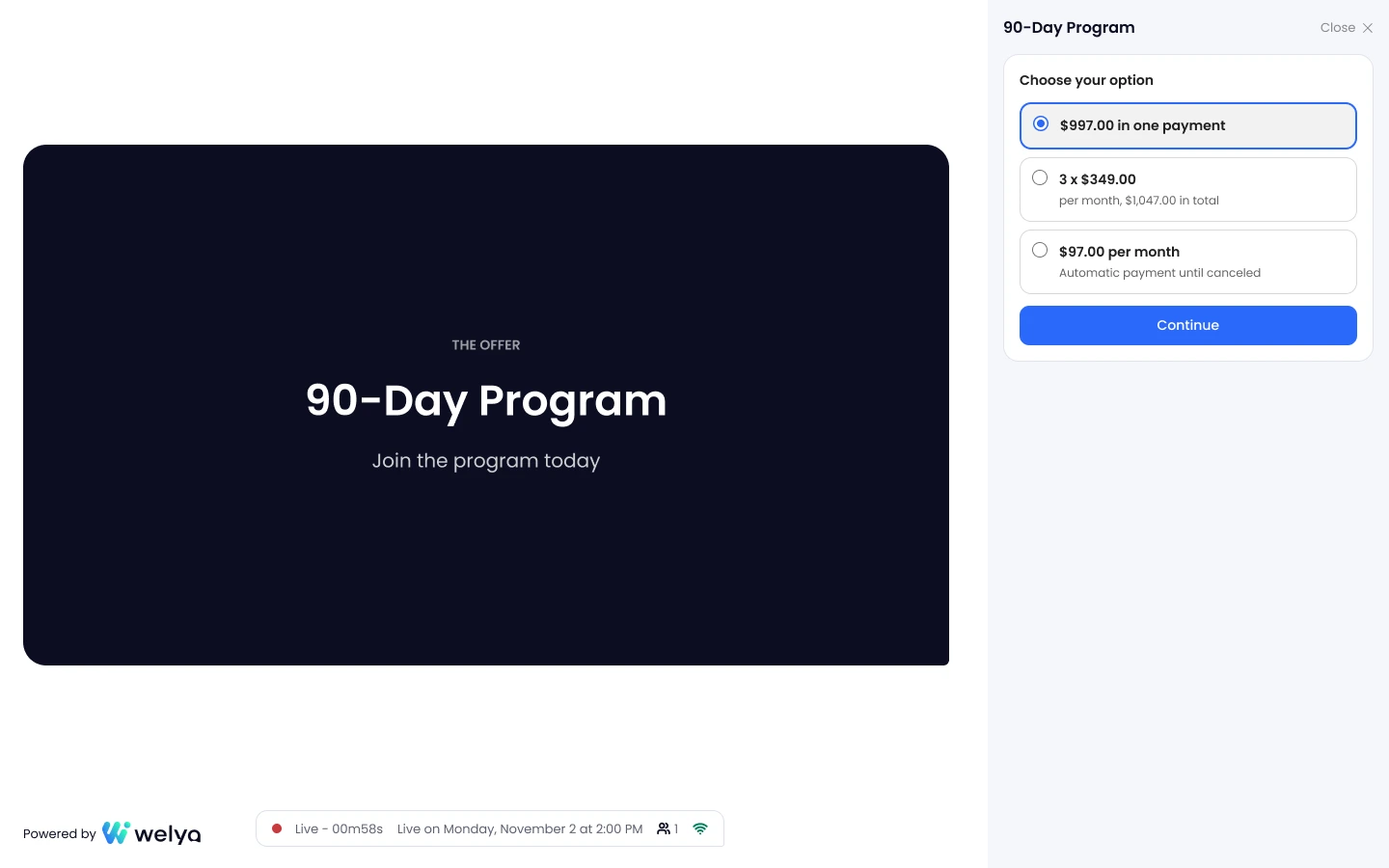
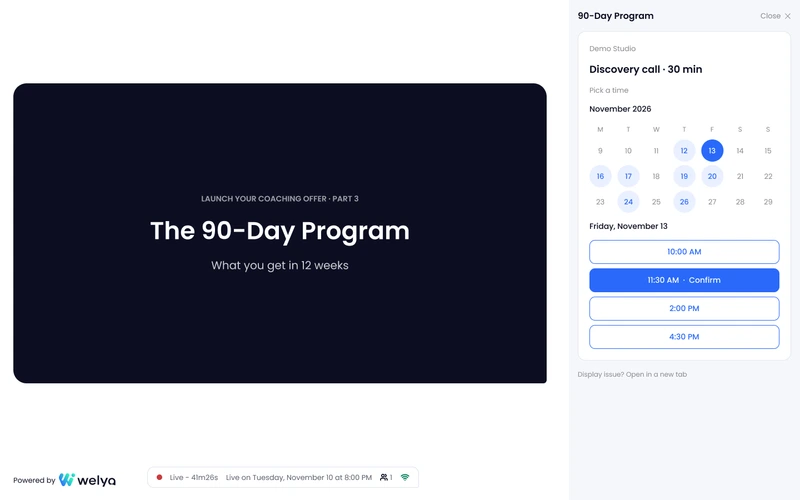
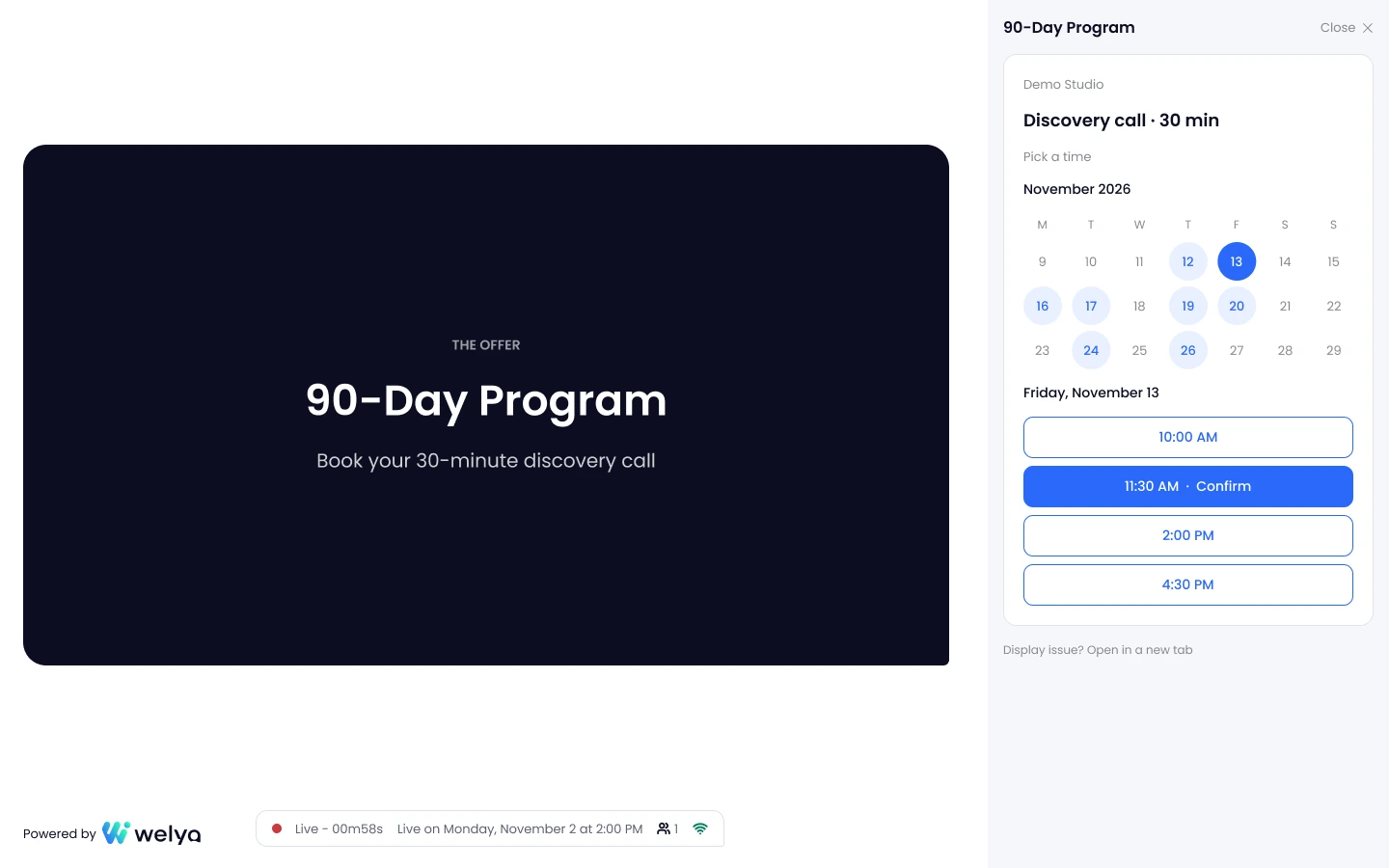
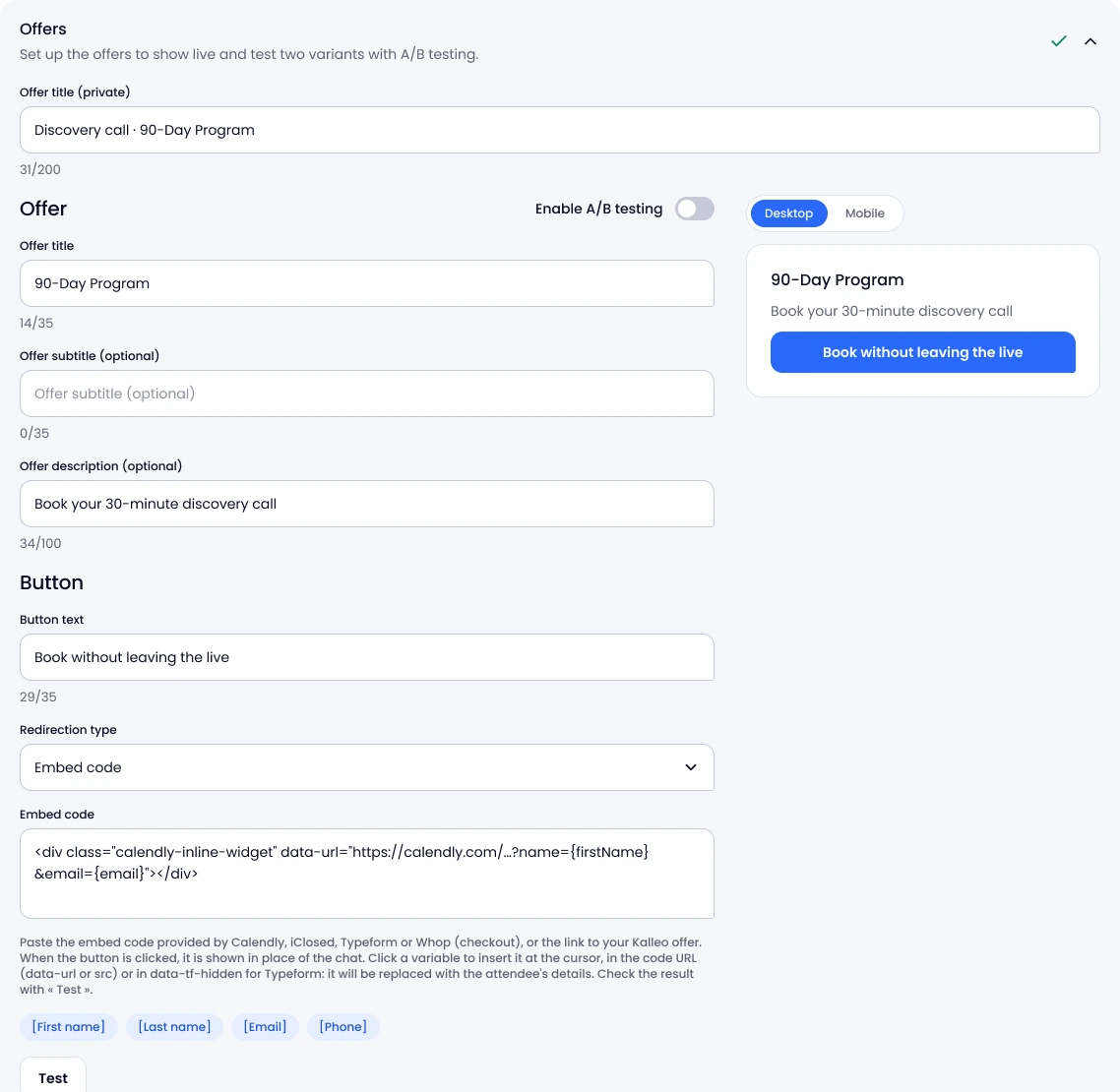
An offer is a title, a button and the tool that opens on click.
- Paste your tool's embed code. Calendly, iClosed, Whop or another compatible tool, or a plain link.
- Add the variables. First name, last name, email and phone reach the tool.
- Test before the webinar. With sample data, as attendees will see it.